
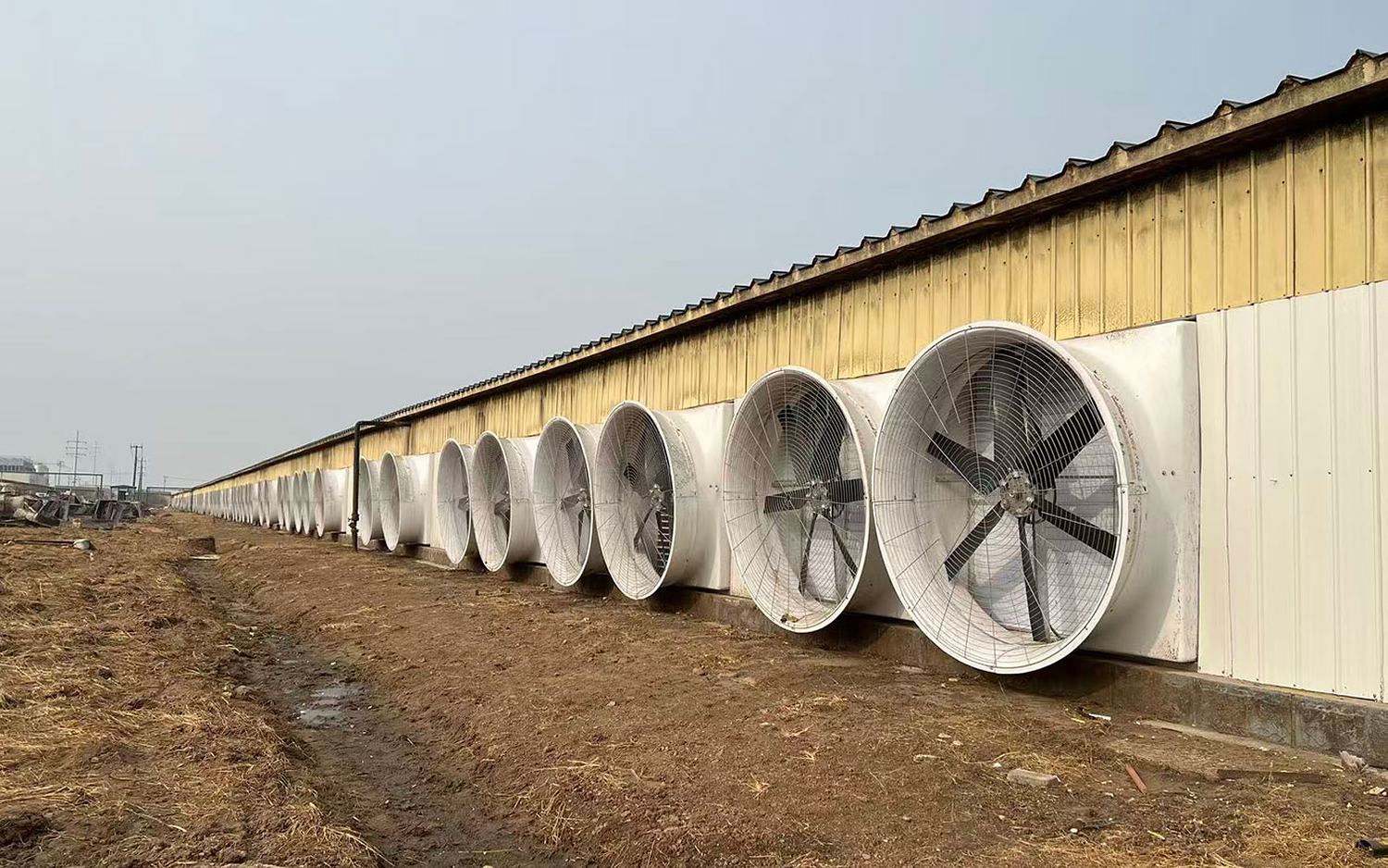
DB9 Intelligent Drive Controller
One dedicated interface per variable-speed fan — precise 0–10 V commands out, live drive data back, and a local fallback that keeps the barn ventilated if the network drops.
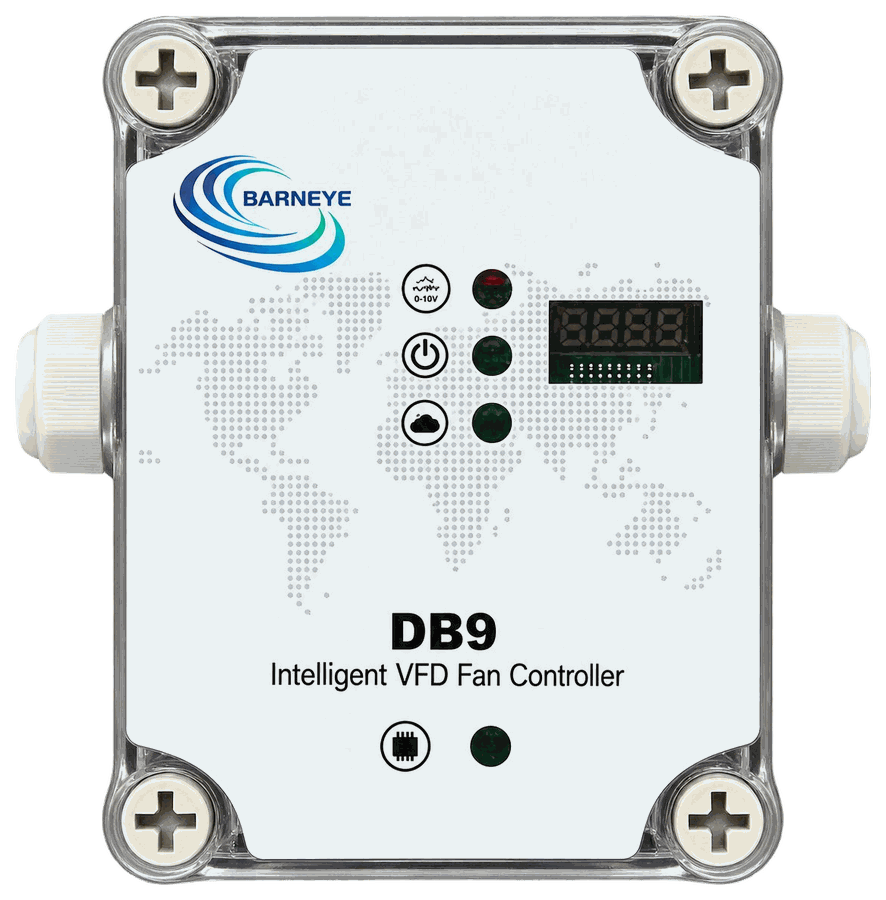 Photo for reference only. The actual product may vary.
Control each fan. Know its condition.
The DB9 sits between the BARNEYE system and one VFD fan. It turns an airflow decision into a speed command and then reads the drive back — actual speed, output frequency, current and fault state — so the platform controls against what the fan is really doing, not what it was told to do.
- 1:1 — one DB9 per variable-speed fan, addressed 001–999 on the CAN bus
- 0–10 V speed command plus a separate switch/enable signal
- Returns actual speed, frequency, current and fault status on request
- On CAN loss, the onboard temperature sensor and the strategy already downloaded to the unit take over locally — the fan is regulated, not simply run flat out
- 1 : 1Fans per DB9
- 0–10 VSpeed command output
- LocalControl if CAN is lost
- IP66Housing protection
Why the DB9 is specified
Four points that come straight off the DB9 brochure — and off a fan group.
Control each fan
Every connected VFD fan gets its own output, so airflow is set fan by fan across the barn rather than averaged across a group.
Live drive visibility
Status, fault, actual speed, frequency and current can be queried whenever the system asks — the platform sees the drive, not just the command.
Local control on CAN loss
If the CAN link is lost the DB9 does not jam the fan to full speed. It falls back to the temperature sensor built into the unit and the operating strategy already downloaded to it, then regulates the fan on that strategy alone until the network returns.
A self-contained node
RS485 / Modbus to the drive, one CAN port upstream, IP66 housing and a 110 × 80 × 75 mm footprint that fits on the barn wall.
Connected operation
Three nodes, one decision, and the drive state coming back.
- 01 Decide The BARNEYE system turns barn and herd data into a demand for this fan.
- 02 Command The DB9 converts that demand into a 0–10 V speed command and a switch/enable state.
- 03 Report The drive is read back — speed, frequency, current, fault — and returned.
Where it sits in the chain
The system decides, the DB9 commands, the drive turns.
- BARNEYE system Uses barn and herd data to decide how much air this fan should move.
- DB9 Sends speed and switch/enable commands, then queries live drive data.
- VFD fan One dedicated connection to one variable-speed fan.
Key specifications
| Parameter | Specification |
|---|---|
| Supply voltage | 12–36 V DC |
| Power consumption | 1 W max. |
| CAN | 1 port |
| VFD communication | RS485 / Modbus |
| Switch / enable output | 1 relay, NC/NO |
| Speed command | 1 × 0–10 V output |
| Onboard sensor | Temperature |
| Address range | 001–999 |
| Ingress protection | IP66 |
| Dimensions | 110 × 80 × 75 mm |
| Operating temperature | −20 to 60 °C |
Normally specified with
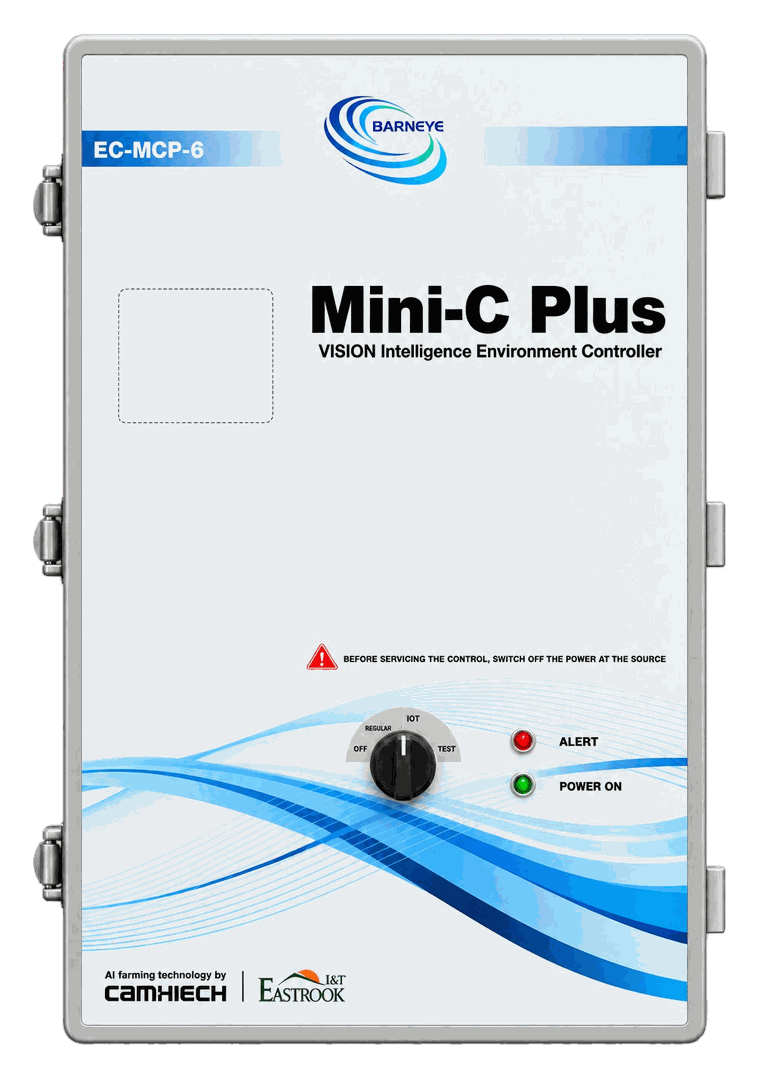
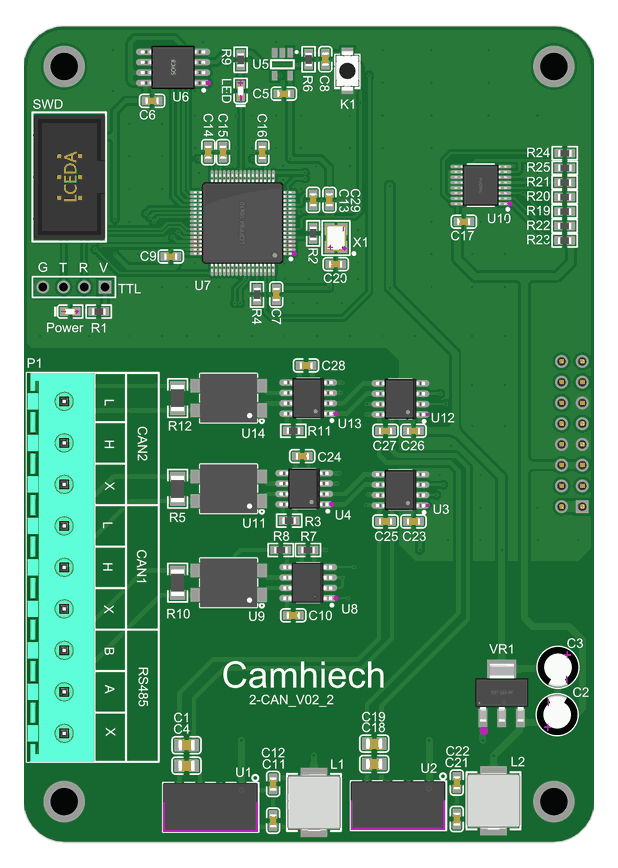
The other half of the system — and the controller the site will already have.
Driving a fan group fan by fan?
Send us the fan count, the VFD models and how the drives are currently controlled. We will come back with the DB9 count and the CAN layout.
Ask an engineer